Smartwatch Bluetooth Notifier
-
4.2
- Gratis Precio
- Comunicación Categorías
- Flying Phoenix Desarrollador
-
NombreSmartwatch Bluetooth Notifier
-
PrecioGratis
-
CategoríasComunicación
-
Puntaje4.2
-
DesarrolladorFlying Phoenix
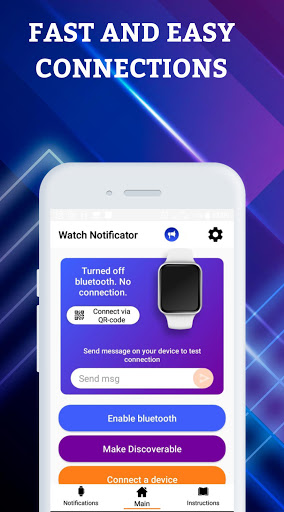
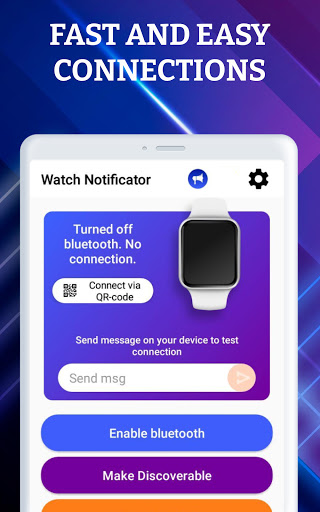
Connection status is displayed on watch and phone, application doesn't have alarm sound in search mode.
‼️How to use‼️
To start connection install Smartwatch Bluetooth Notificator from Google Play on your phone.
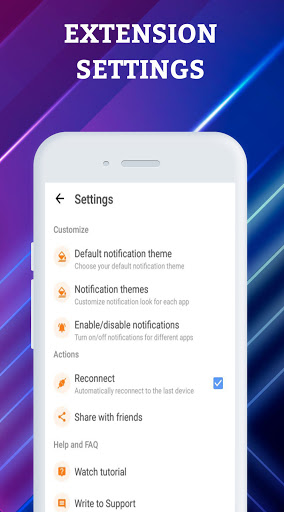
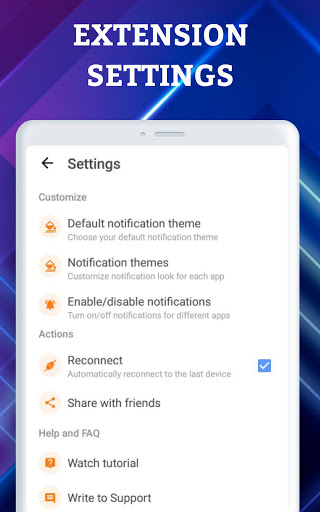
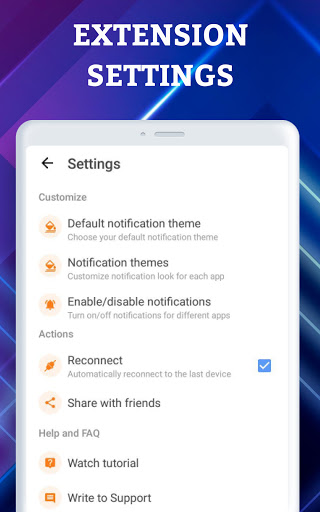
Give “Access Notifications” and “Location access“ permissions
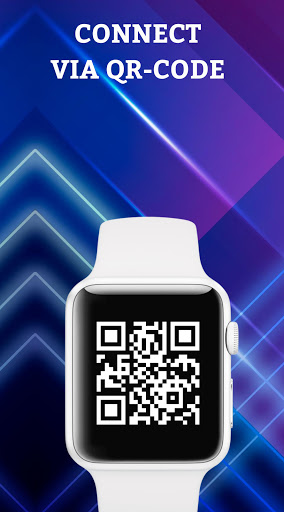
Install Smartwatch Bluetooth Notificator on your Smartwatch as well!
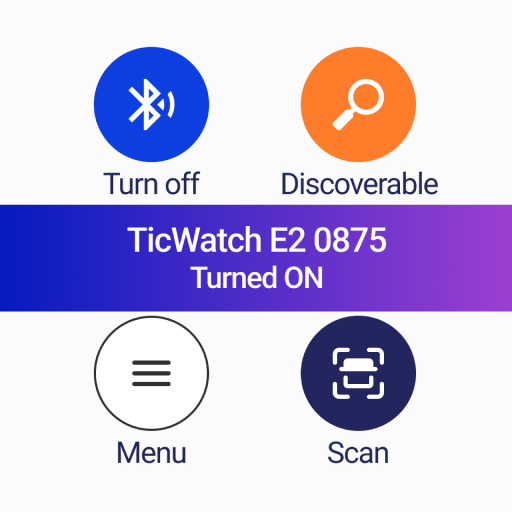
Turn on bluetooth on your Smartwatch
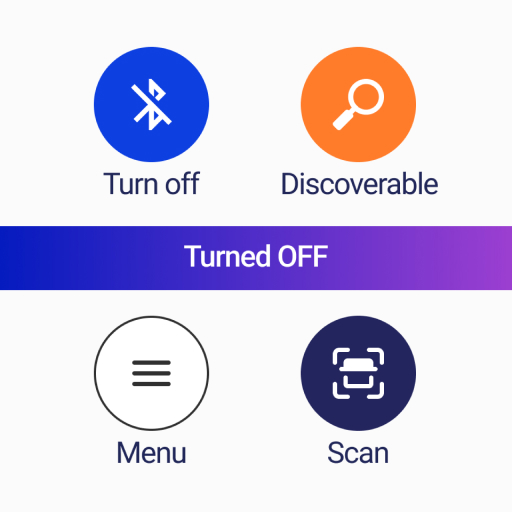
Enable discovering to make your Smartwatch visible
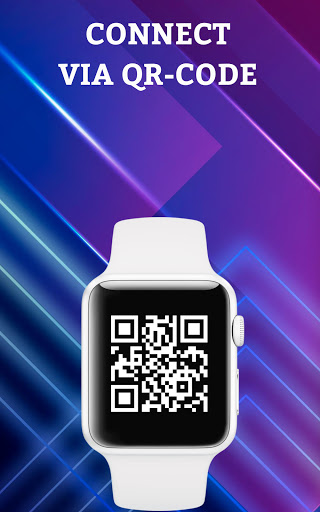
Find from the list the name of your Smarwatch and connect it
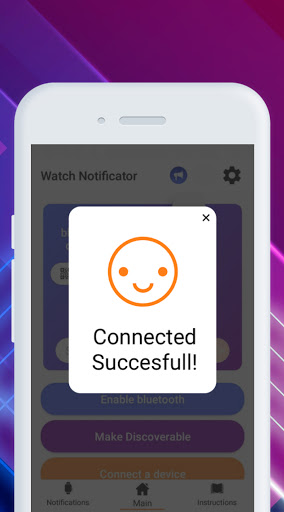
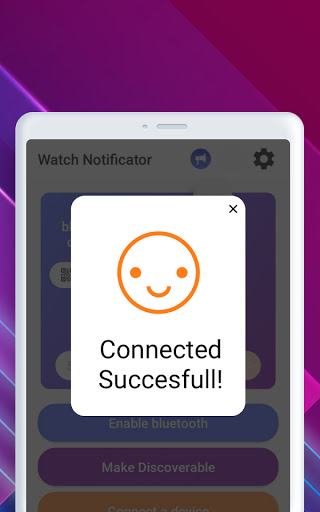
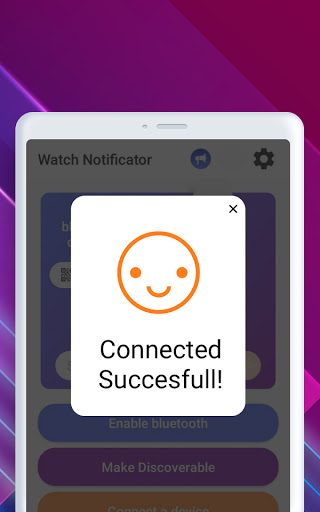
Congratulations! Your devices are connected to each other
Work of your assistant
To make the application work, you just need to download it to your phone and smart watch, open bluetooth sync and make synchronization of two devices - watch/smartwatch sync and smartphone sync. You do not need to ask for help with installation or download a lot of apps, because it is very simple and doesn’t require special skills This application is like Google, because in it you can find everything you need‼️
New features and help of the smartwatch
Therefore, this app will be an excellent assistant for you. It will help to control the phone, and it will not be necessary to constantly check it in anticipation of an important letter from work, message or call. Because if you have a watch, then using the application and you will not miss anything important.
Now you can call your friends, colleagues or family using the bluetooth watch, send messages using such us popular apps like Viber, Telegram, WhatsApp or Messenger and all this without breaking away from fitness for health, work, study or other important things.